

Should You Sign Up For Culver's Rewards Program? What To Know About The Perks
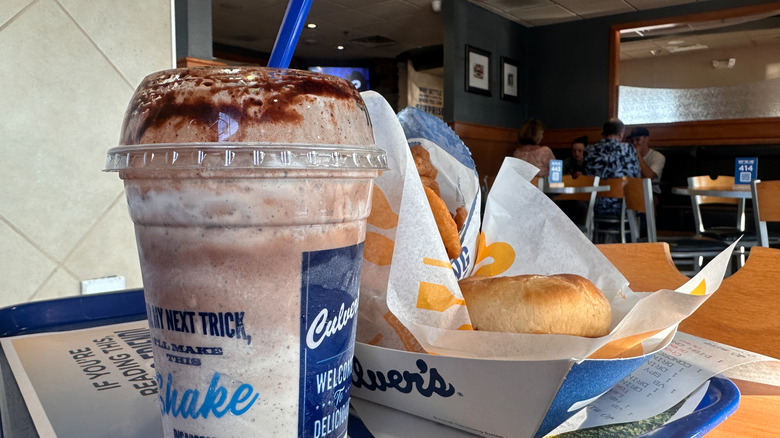
If you love Culver's, consider signing up for its rewards program before you place your next order for the best Culver's burger. Every dollar you spend earns you points toward future freebies. Of course, the more you spend, the more free items you get, so whether you think Culver's rewards program is worth it or not may depend on how often you eat there.
When you first sign up for your account with the Culver's rewards program, you'll get a 25% off bonus you can redeem for use right away. You'll have an option of using a QR code to show the cashier to scan or applying the coupon to your rewards account.
You will earn 10 points for every dollar you spend, but the minimum amount needed to redeem for a free item is 500 points. There are three tiers of points you can redeem: 500, 750, and 1000 points. The rewards get progressively larger. For example, when you reach 500 points you can get a single scoop dish or cone; with 750 points you can get two scoops, and with 1000 points you can get a Culver's concrete mixer — its popular frozen custard with other mix-ins.
That said, if you just want a free scoop, an order receipt from Culver's is enough to get you one — no rewards program membership needed. Just fill out a survey, get a code, write it on your receipt, and bring it in for a free scoop. But if you want all the other perks (the three-tiered reward system with other freebies, like the unique half-birthday reward that lets you enjoy free custard twice a year), then Culver's rewards program is worth signing up for.
How to sign up for Culver's rewards program
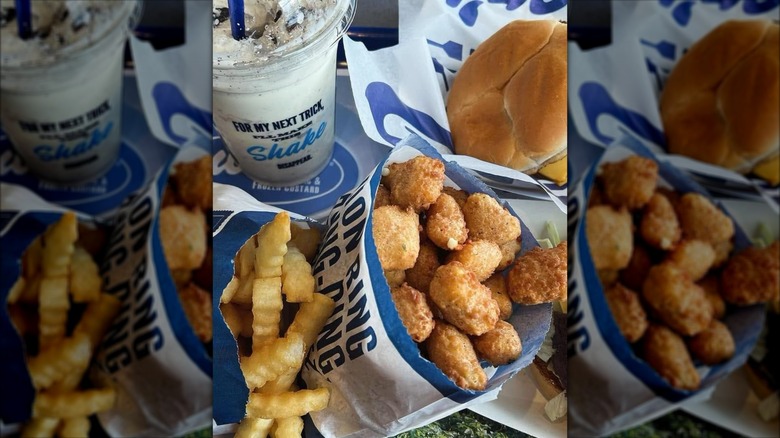
You will need to go to the Culver's rewards page and start signing up there. Fortunately, it's super easy and quick. You just need to enter your phone number or sign up with your Google or Apple account. After that, you need to fill out a small form with your name, phone number, email, birthday, and zip code. You can then opt to receive emails with Culver's news and special offers or text messages about your rewards activity.
I recommend doing both so you know about your activity and can get emails about new offers right away, preventing you from missing out on any deals. After that, you'll get a scan code you need to save (Culver's will also email it to you if you just want to save that as well). When you order in person, you can show the cashier your code and have them scan it so you earn points for your purchase. Fortunately, you can just give your phone number when ordering instead of using the QR code, which I find much more convenient.
You can order inside the restaurant, at the drive thru, or online and earn points with every dollar spent. If you order from Culver's often, I recommend downloading the app so you can order with ease and convenience, unless you prefer talking to the cashier to get your order. Unfortunately, you can't yet connect your rewards program to DoorDash or Uber Eats, so you do have to use the app or order online.