

How To Stop Your Microwave From Beeping At You
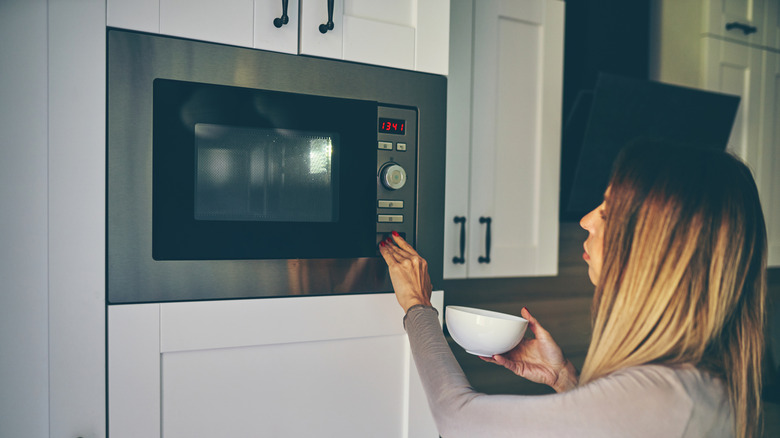
Microwaves have a bad reputation for being messy, inefficient, and loud. Turns out, this may be due to user error rather than poor design. By considering some tips for better microwave cooking, it becomes clear that microwaves are a little more complex than they first appear. A quick perusal through the user's manual reveals you can not only change the power setting to expertly cook eggs in your microwave, but also curtail the repetitive beeps that signal your food is finished cooking.
These irritating tones aren't just an annoyance — they can be a serious problem under the wrong circumstances. For instance, anyone in a small office setting can attest that listening to your coworkers heat up their lunch for 30 minutes a day takes a serious toll on the nervous system. The incessant beeping may also wake light sleepers when using the microwave in your kitchen, or in a tiny shared dorm room when you're warming up a midnight snack after your roommate's gone to bed.
Fortunately, most microwaves have a hidden "off" switch for this annoying sound so you can experiment with making delicious microwaved hot pot in peace. Each microwave model is a little different, but many of the most recent models feature a sound button labeled with a little speaker icon. It may also say "sound" or "mute" and simply pressing it silences the beep — until you press it again for someone who needs a rather noisy reminder.
Other ways to mute your microwave for good
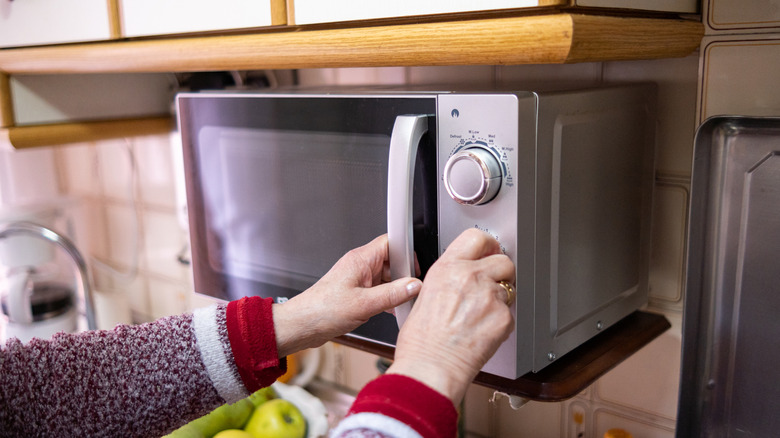
If your microwave model doesn't have a sound button, you can likely still beat the beep; it may just take a little bit of sleuthing, especially if you no longer have your user's manual. Even then, many appliance manufacturers make PDFs of these manuals available online for free, so it's best to check either the digital or paper copy to determine which button or sequence of buttons helps you beat the beep. For instance, if your microwave lacks a sound button but has a "settings" option, that's likely where the audio controls are hidden. After accessing settings, follow the prompts on the little digital screen to turn off the sound, which is easiest to do if you're able to consult the user's manual.
However, if you're unable to find a copy of the manual at home or online and there are no specialty buttons in sight, there are still a few things you can try. "Start," "cancel," "0," "1," and "2" appear on almost every microwave ever manufactured and are among the most frequently used buttons. In simplified and older models, they also sometimes have hidden features, including audio controls. Try pressing and holding these buttons one at a time to see if any of them beep after being held for several seconds, signaling you've accessed that button's other functions. Ironically, that delayed beep may indicate your microwave can now warm up your favorite canned soup in blessed silence.