

The Foolproof Way To Fix Your Wobbly KitchenAid Mixer Head
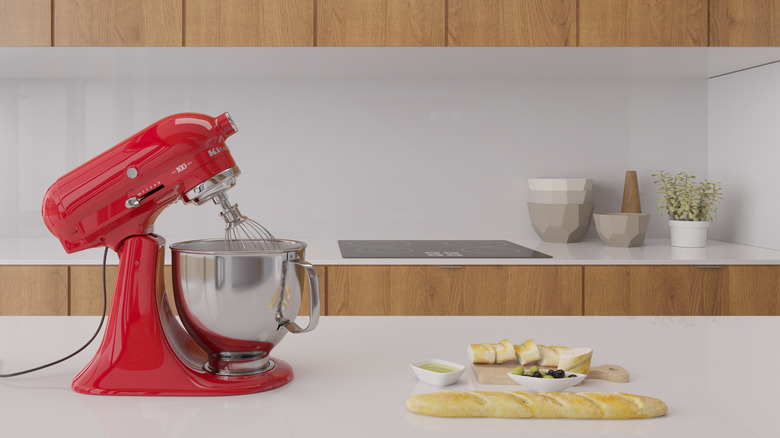
Avid home cooks agree that KitchenAid stand mixers are a worthwhile investment, especially since there's lots of things your KitchenAid can do besides mix batter. From slicing and juicing fresh produce to making pasta and ice cream, there's little it can't do — provided it's working properly. Though KitchenAids have a reputation for being sturdy, owners have to troubleshoot wobbly mixer heads so often that there are entire Reddit forums dedicated to it.
Wobbly mixer heads are annoying at best and dangerous at worst. While a little bouncing is normal if you're mixing bread dough or other dense mixtures, a mixer head that wiggles constantly or causes your mixer to "walk" across the counter indicates a larger issue. Not only can the wobble cause the motor to wear out prematurely, it could also cause your mixer to tip over or fall off your counter, resulting in serious damage to your home, the appliance, and anyone standing nearby.
Fortunately, the fix for this is fairly simple. If you tilt your KitchenAid onto its side and look into the hollow base, you should see a small screw meant to hold the silver cross-pin near the top of the base securely in place. Make sure the cross-pin is flush with the exterior of the base on either side, and use a flathead screwdriver to tighten that screw until you feel it catch. This should help keep the pin stable and stop your mixer's head from wobbling.
Troubleshooting other common issues
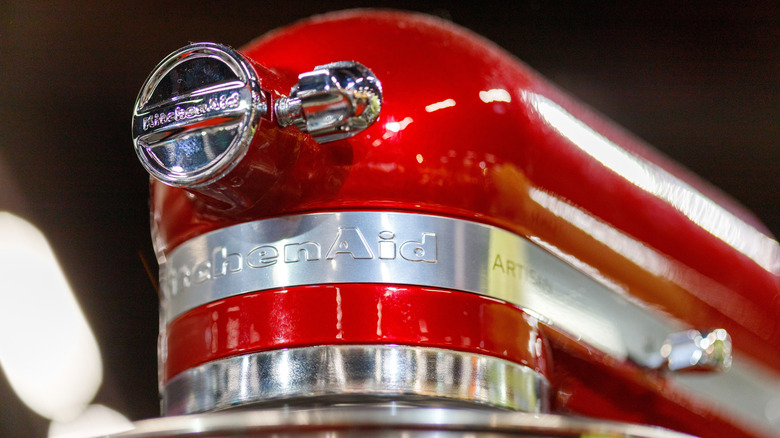
Before you go to the effort to lay this heavy mixer on its side, it's worth checking a few other things first, especially if you saved money on your KitchenAid by thrifting it since it's hard to tell how much it was used previously. One of the most common reasons for a bouncy mixer head is related to the cross-pin referenced earlier. Vibrations from mixing can cause this pin to shift so it protrudes from the neck of your mixer's base rather than sitting flush. It's usually easy to shift it back into place by hand, though you need to tighten the aforementioned screw if it feels fairly loose, or if simply fixing the pin doesn't solve the problem.
Another common issue is that your beater-to-bowl clearance is off. Too low, and it bangs against the bottom of the bowl. Too high, and it can skim over whatever you're mixing and start bouncing as it catches the top of the batter or dough. To fix this, throw a dime in the bottom of the empty, clean bowl, and adjust your machine until the beater skims the coin, but doesn't touch the bowl when the mixer is on.
Consult your user manual to either adjust the bowl height or mixer head height, depending on which model you have. You may also need to do this if your mixer head refuses to stay locked since a beater at the wrong height could interfere with the locking mechanism.