

How To Fix A Rattling KitchenAid Mixer With This Easy Adjustment
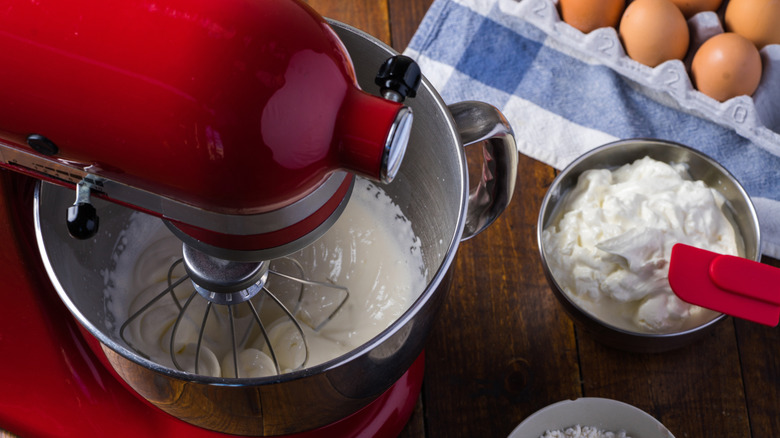
A KitchenAid stand mixer that's constantly rattling and shaking is enough to make you wonder if KitchenAid's reputation is deserved or just hype. Thankfully, there are a few adjustments that could solve that problem without the need for a service call. The rattling could be due to the mixer's attachments awkwardly striking the bowl as they spin. To confirm, place a dime in the mixer's bowl and run it using its original flat beater. If the dime bounces all around, the beater shaft is sitting too low and needs to be adjusted. Turn off your mixer and tilt the motor head back and you'll see a screw recessed within stand neck directly below the motor head. If using a bowl-lift stand mixer, lower the bowl to expose the screw right behind the lift. Take a flathead screwdriver and turn it slightly counter-clockwise to increase the beater height and try the test again. Continue to adjust the beater height until the flat beater only grazes the dime.
If you adjust to the point where the beater completely misses the dime, your beater won't mix the ingredients at the lowest part of the bowl and you'll need to turn the screw clockwise this time to bring the beater down. It's important to note that the dime test only works when using a stainless steel bowl. If using glass or ceramic bowls, you'll have to carefully look at the flat beater as it rotates and ensure it's not hitting the sides or scraping the bottom of the bowl. If you're using a tilt-head mixer, there is also one other thing you should check.
You should also look at the neck pin on tilt-head KitchenAid stand mixers
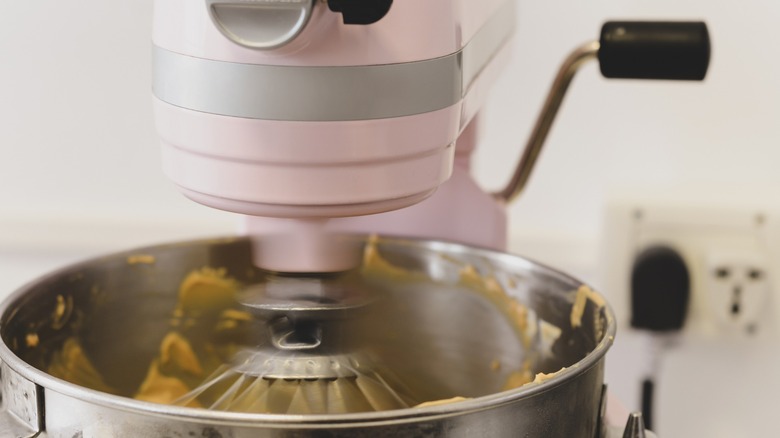
KitchenAid tilt-head stand mixers use a small metal rod, or neck pin, with the sole job of securing the motor head (the upper housing for the motor and beater shaft) to the stand at the neck. It runs through the neck and should appear as a small steel circle on both sides of the stand neck. This pin is fastened during manufacturing but can loosen over time. When that happens, the pin will begin to slide and protrude at one end. If the pin is only slightly protruding, you might be able to push it back into place with your thumb so that it's again flush with the sides of the neck. To keep the pin from sliding out again, you'll need to set the mixer on its side.
The steel stand of a KitchenAid mixer is open on the bottom so you'll be able to see inside and up the neck of the stand. You should see the neck pin and a flathead screw meant to secure the pin in place (2018 and newer models use a screw that requires a ⅛-inch Allen wrench). If you were unable to push the pin back into place before laying the stand on its side, loosen the screw a little so you can correctly center the pin in place. Once the pin is centered again and flush with both sides of the mixer neck, retighten the screw, and your mixer should be rattle-free. Once your KitchenAid stops rattling, you can get back to finding new things you didn't even know the mixer could do.